

 Fish Audio
 fal.ai
What you get
- Your face and voice. Reuse a saved look and a clone of your own voice.
- Guided setup. One sentence to start. A setup checker when you get stuck.
- You call the shots. Review the script and approve the cost before generation.
- Videos you keep. Download the finished MP4 and share it yourself.
Same person. Different setting.
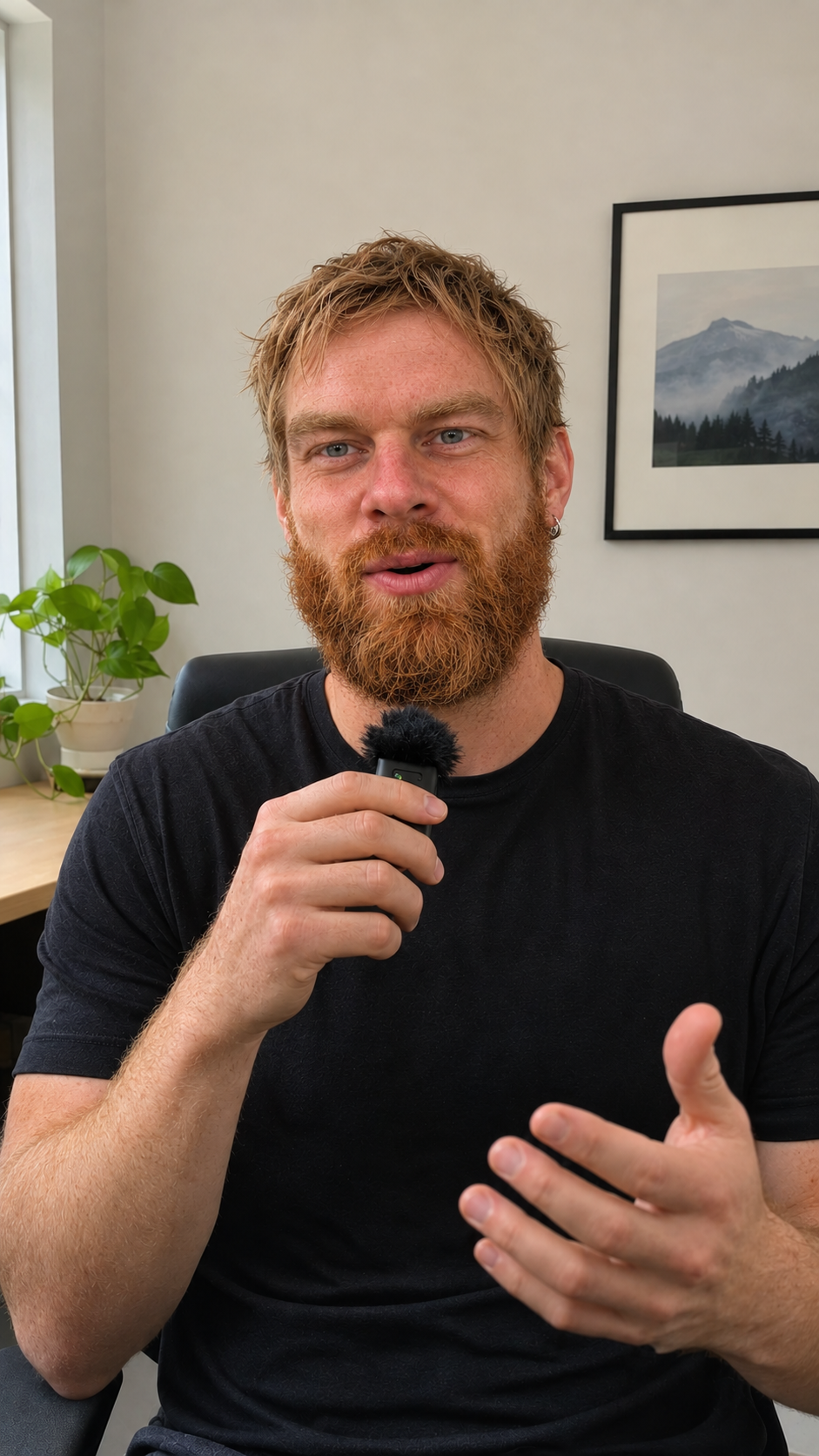
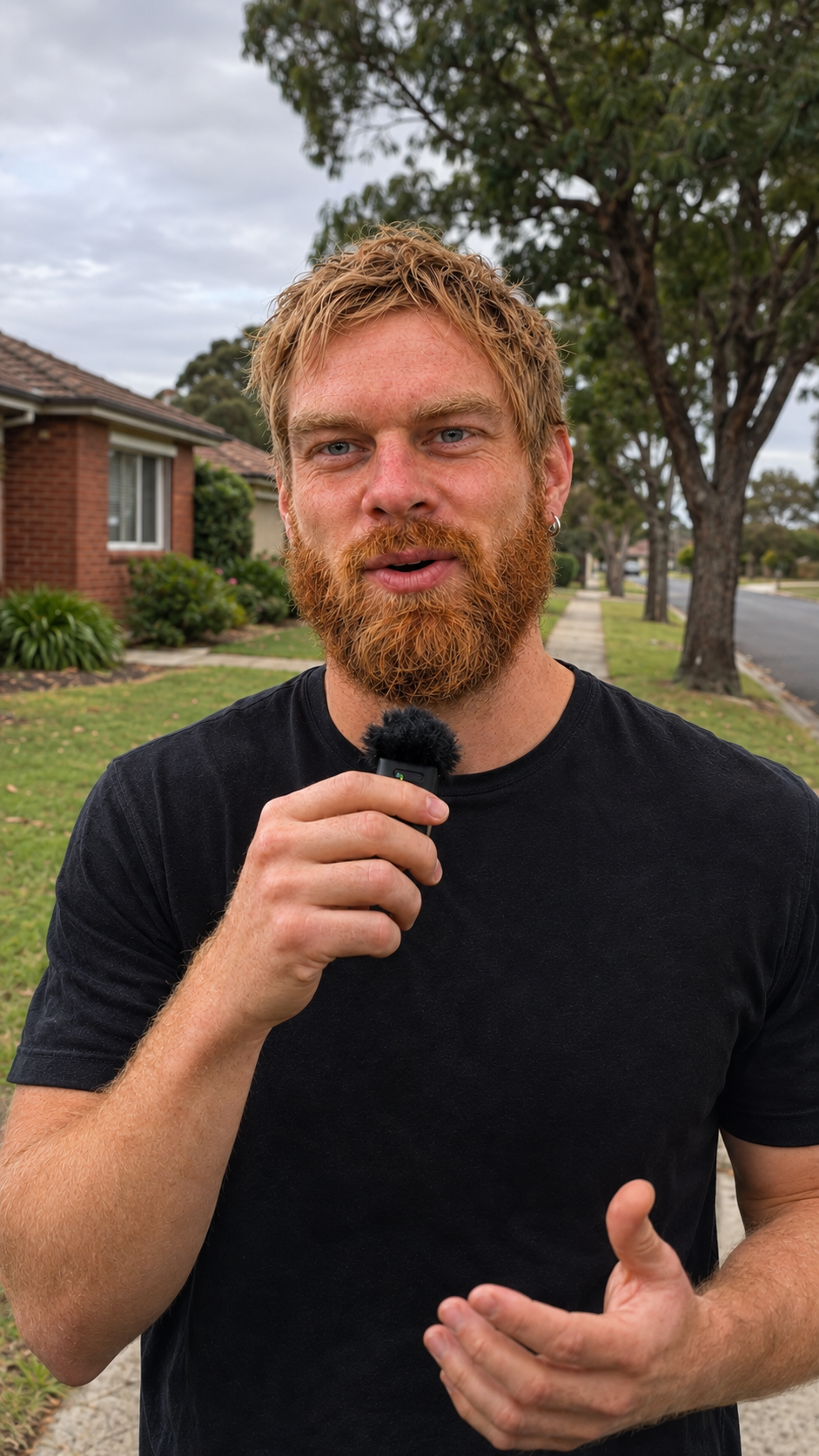
Watch Elwood’s AI avatar at the desk and outside. Press play for sound and use full screen for a closer look.
At the desk
A 27-second talking clip. No captions or edits added.
Download desk example ↗Outside
A 32-second outdoor clip with an EwoosAI end card.
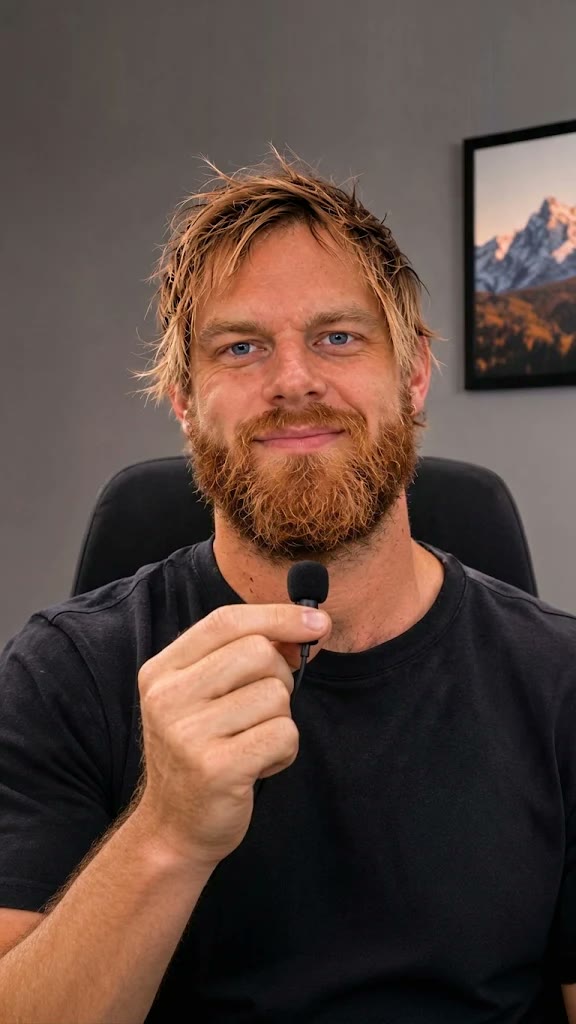
Download outdoor example ↗Your avatar. A look for every setting.

From an idea to a video.
You handle the choices. Your assistant handles the commands.
Paste the setup sentence.
Your local Claude Code or Codex assistant downloads the skill, checks your tools and guides setup.
Save your look and voice.
Choose a frame from a 10-second selfie clip and send a short voice recording to make your voice clone. Confirm consent and enter API keys in the private local page.
Say what you want to make.
Shape the script, choose a look and review the estimate. Nothing is generated without your approval.
Watch it. Keep it. Share it.
Review the finished video and download the MP4. You decide where to share it; this release doesn’t post for you.
“Make a short tip about blocked drains. Use my outside look and keep it plain English.”
What you need. What costs extra.
- A local AI assistant
- Claude Code or Codex running locally on your computer, with access to files and commands. Your assistant checks Node.js and FFmpeg. Mac and Windows both work through the same assistant-led setup.
- Your voice and video accounts
- One voice service with an API key (Fish Audio, or ElevenLabs if you already pay for it) and fal.ai credits. ElevenLabs voice cloning needs one of its paid plans. Your website subscription doesn’t establish API access; the connection checks help identify what’s available.
- A generation estimate, every time
- The A$49 skill is a one-time purchase. Assistant plans and provider usage are separate. Before generating, you see a USD estimate based on the script, duration, resolution and selected voice model.
Setup time varies with your accounts, downloads and computer. Provider charges, taxes and currency conversion can vary. Read the setup guide.
G’day, I’m Elwood.
I’m a Melbourne labourer who got into AI. Filming every day was a pain, so I built a way around it. The demo and images here are my AI avatar.
Before you jump in.
Do I need to know how to code?
No coding knowledge is needed to follow the guided workflow. Your assistant runs the packaged commands; you provide your answers, media, choices and approvals. Normal permission prompts may appear.
Do I need to record my voice?
Yes, once: 30–60 seconds of you talking naturally. With your OK, the skill sends it to your voice service to create your clone. Already have a voice saved in Fish Audio? You can use that instead. An approved preview lets you hear it before any video is made.
Does it work in browser ChatGPT or Claude?
You need local Claude Code or Codex with file and command access. An ordinary browser chat cannot install and run the skill on your computer.
Does it add captions or post for me?
This release produces talking videos for download. Captions, split-screen editing, B-roll and automatic posting are not included. You can edit or share the exported video yourself.
What happens to my face and voice data?
Your local workspace holds your looks, files and OS-protected connections. When you approve it, your voice recording goes to the voice service you chose (Fish Audio or ElevenLabs); speech requests send your script text there too. fal receives the selected image and generated audio. Your assistant processes what you share in chat. Deleting local files does not erase provider copies. Read the privacy notes.
What do I receive, and where do I get help?
The offer includes the downloadable skill, written setup instructions and the “check my setup” diagnostic. Start with the troubleshooting guide. Your download and setup instructions are available in Whop after purchase. Review the checkout terms before paying.
Want someone alongside you?
Setup Day is a separate option for live setup help.